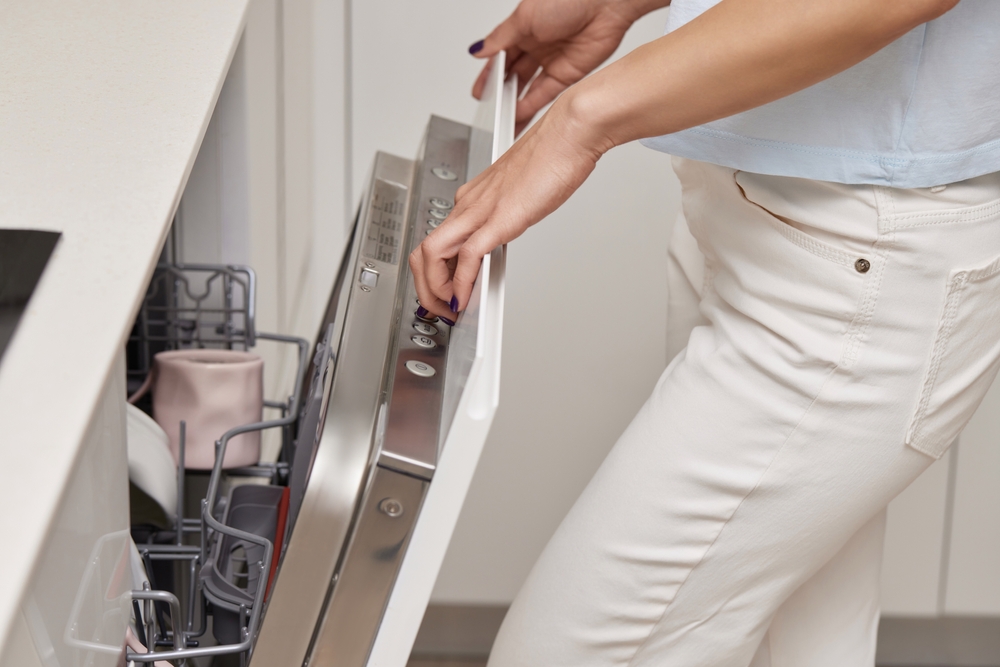
If your dishwasher is full of water after a cycle, it’s a clear sign something isn’t draining properly. This is a common issue—and in many cases, it can be identified quickly.
Here’s what to check first.
1. Check the Filter
A clogged filter is the most common cause of drainage problems.
What to do:
- Remove the bottom rack
- Locate and unscrew the filter
- Rinse it under warm water and remove debris
A dirty filter can block water flow completely.
2. Inspect the Drain Hose
If water can’t exit through the hose, it will stay inside the machine.
Look for:
- Kinks or bends behind the unit
- Blockages inside the hose
- Improper installation height (no high loop)
3. Check the Garbage Disposal Connection
If your dishwasher drains through the garbage disposal, this connection may be the issue.
Common problem:
- Knockout plug not removed (on new installations)
- Food buildup blocking the connection
4. Listen to the Drain Pump
During the drain cycle, you should hear a humming or pumping sound.
If you don’t:
- The drain pump may be faulty
- There could be an electrical issue
This typically requires professional repair.
5. Avoid Overloading
Overloading can block water flow and prevent proper draining.
Best practice:
- Leave space between dishes
- Avoid blocking the bottom spray arms
When to Call a Professional
If your dishwasher still isn’t draining after these checks, the issue could involve:
- A failed drain pump
- Internal blockages
- Control board or wiring problems
These require proper diagnosis to avoid further damage.
Need Help?
At Maple Leaf Appliance Repair, we diagnose and fix dishwasher drainage issues quickly and efficiently.
Book your service today and get your kitchen back to normal.